Signing In
Deneb Aero uses a Deneb account. There is no password: each time you sign in, a 6-digit code is sent to your email address.
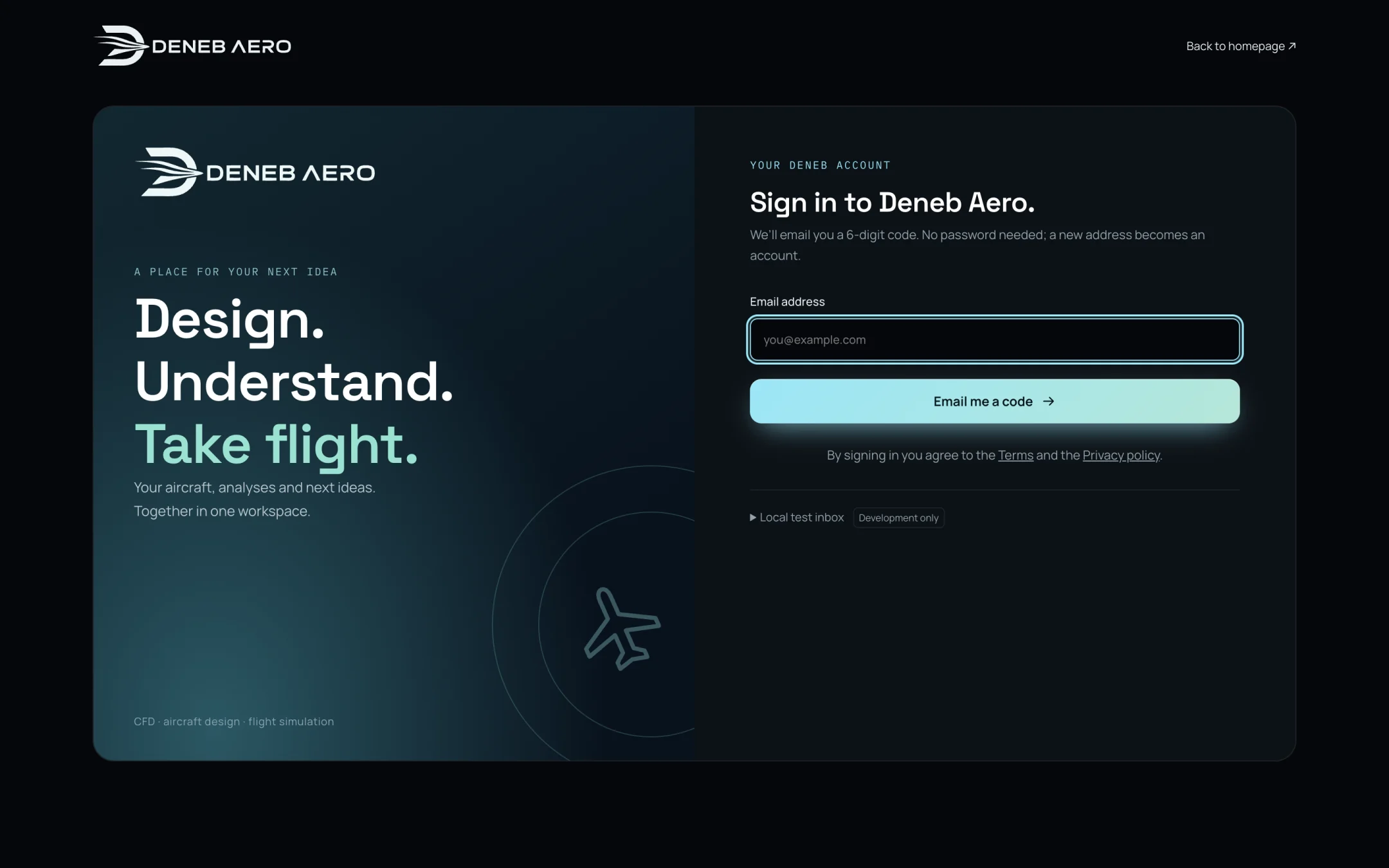
The sign-in page.
To sign in
Open the Studio: the address of the application (
http://127.0.0.1:43127/?studio), or aero.deneb-systems.com.In Email address, type your email address.
Select Email me a code.
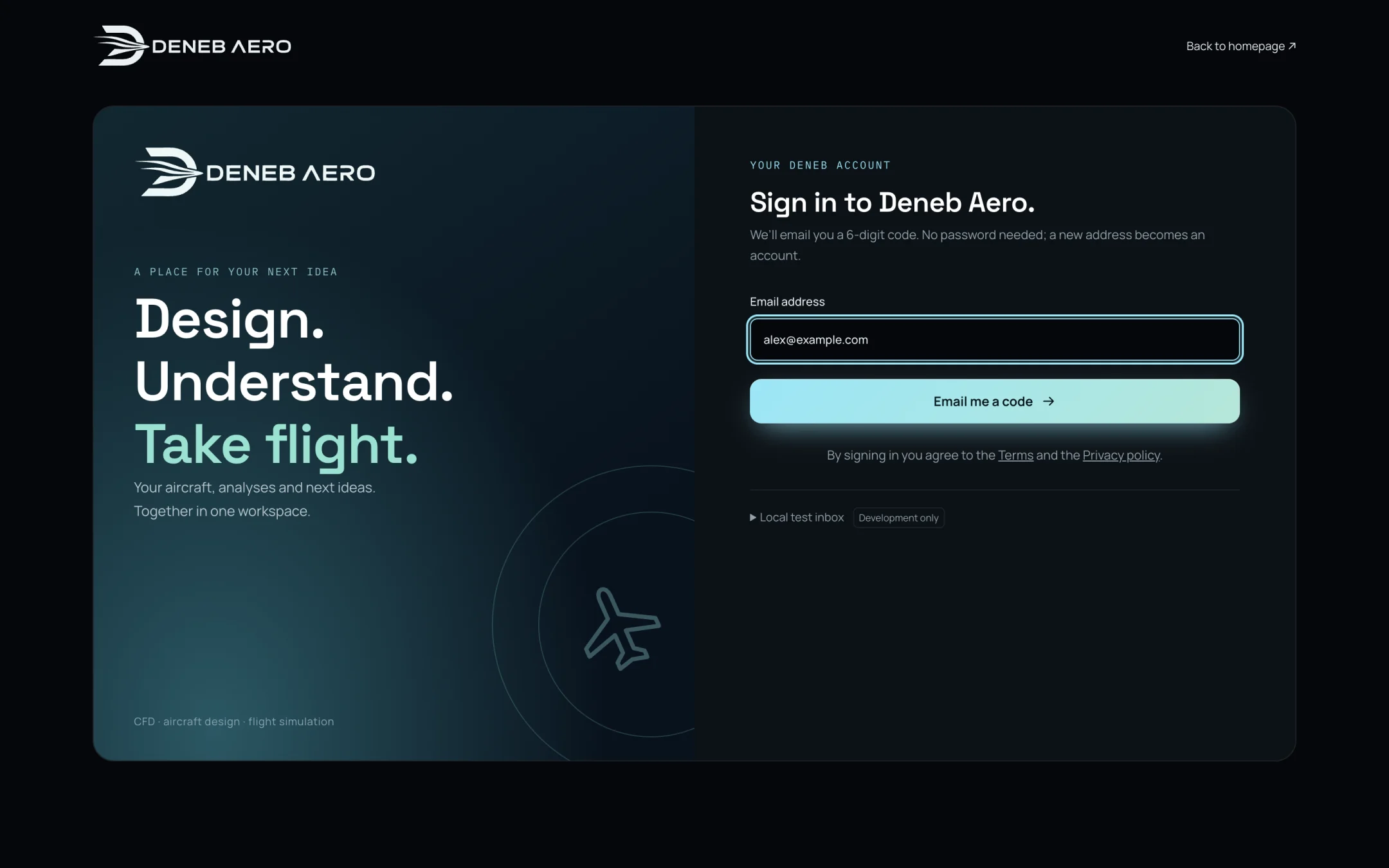
The email address entered.
Open the email from Deneb and type the 6-digit code in the page. The code is valid for 10 minutes.
The Studio opens at the Projects page.
A new address becomes an account when it is first used. During the beta, only invited addresses can sign in.
Sessions
You stay signed in on that browser. A session ends after a week without use. The sessions of your account are listed in , where you can sign out any of them.
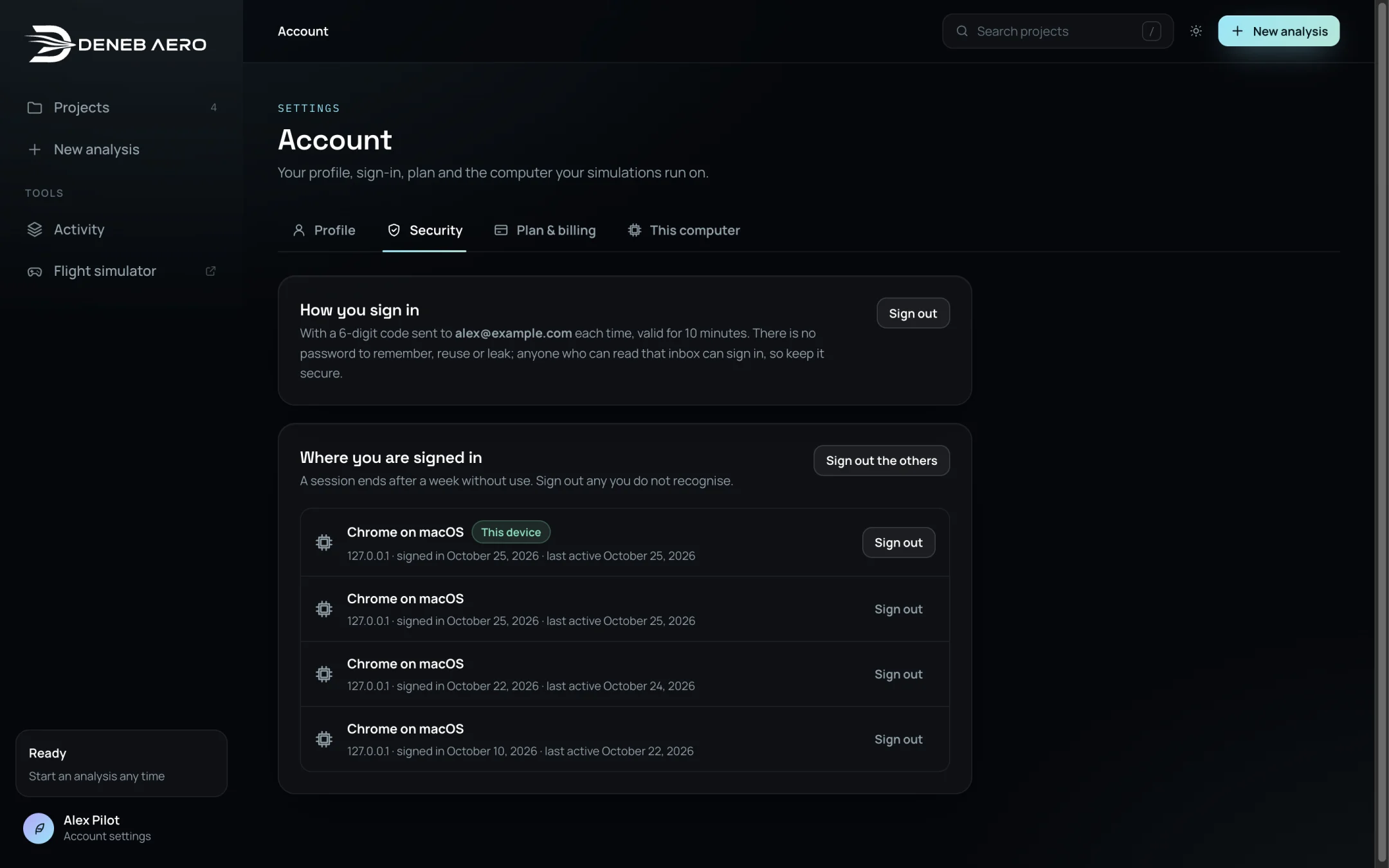
lists where you are signed in.
Note
Anyone who can read your email can sign in to your account. Keep the mailbox secure.
To sign out, select Sign out in .