Wind
The simulator can fly the aircraft in wind and gusts. Open the panel with Wind in the cockpit.
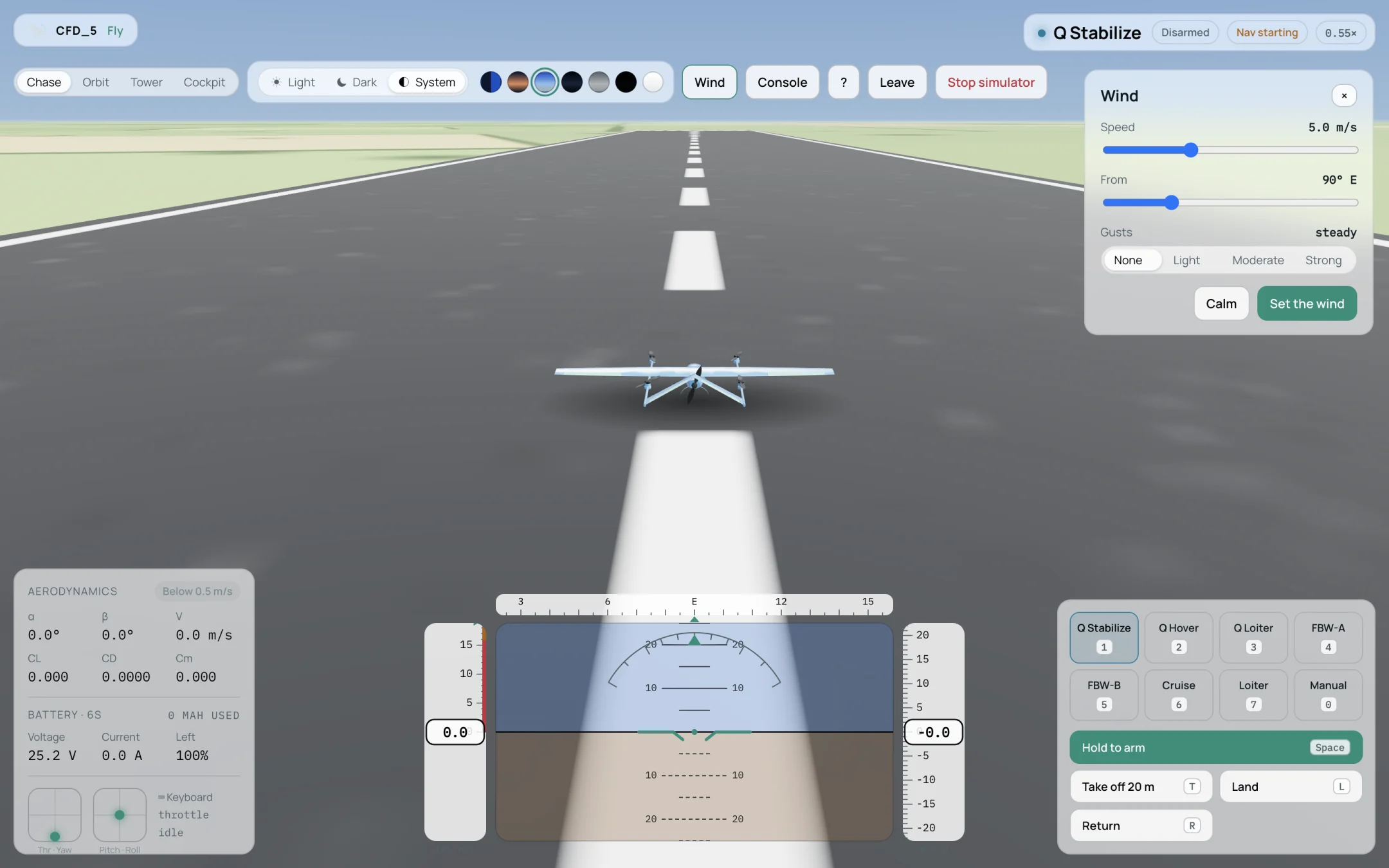
The Wind panel.
Set Speed in m/s.
Set From, the direction the wind blows from, in degrees (90° E is a wind from the east).
Select Gusts: None, Light, Moderate or Strong.
Select Set the wind. Calm removes the wind.
The same can be done in the console with wind <speed> <from> <gusts> and wind calm
(Flight Console).