Flight Console
The console sends MAVProxy-style commands to the simulated aircraft and shows its messages. Open it with Console in the cockpit.
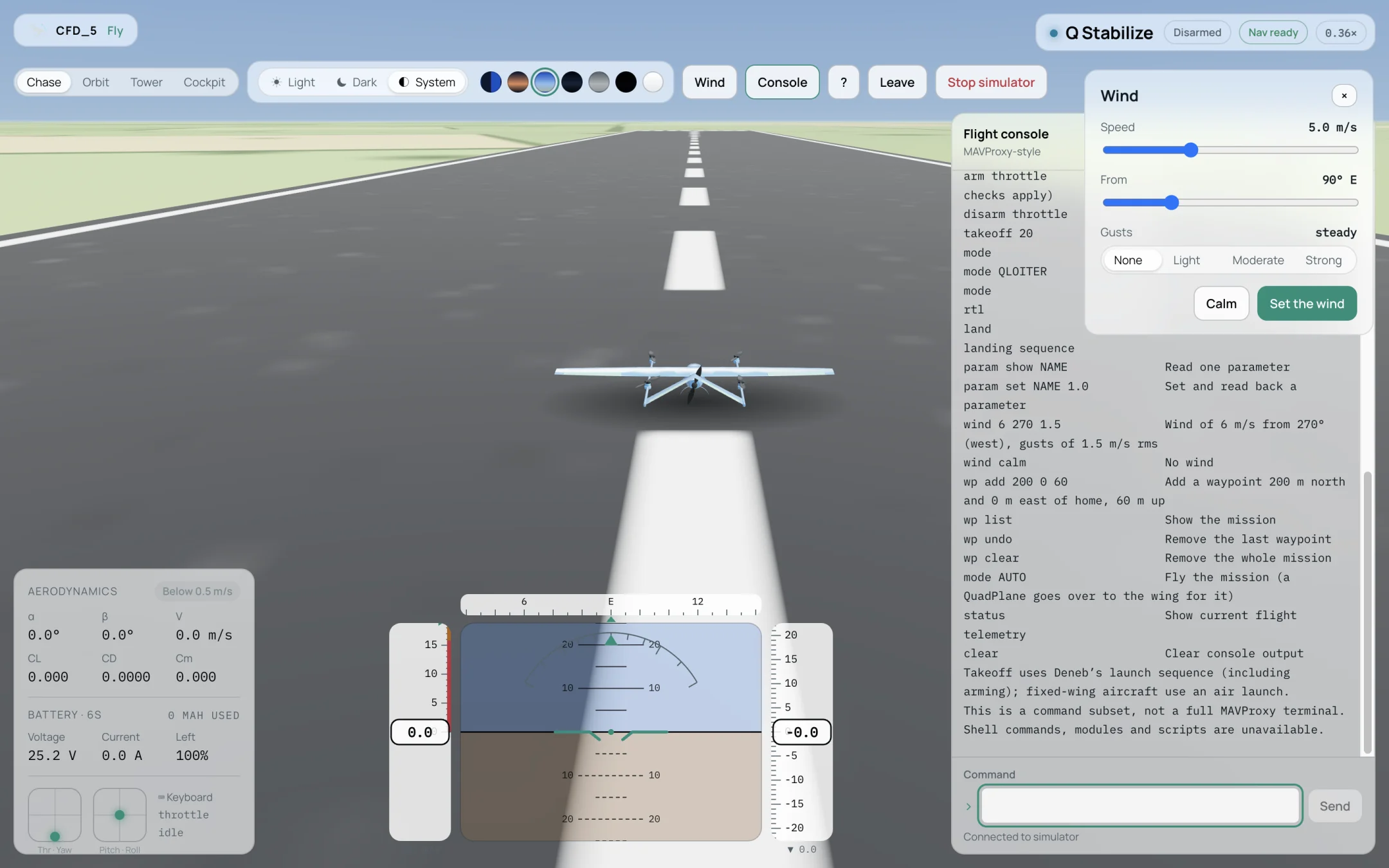
The flight console after the help command.
Type a command in Command and press Enter or select Send.
Commands
Command |
Function |
|---|---|
|
Arm (normal autopilot checks apply). |
|
Request disarming. |
|
Launch to 20 m above home. Uses Deneb’s launch sequence, including arming; fixed-wing aircraft use an air launch. |
|
List the available modes. |
|
Change to an available mode. |
|
Return home. |
|
Start the aircraft’s landing sequence. |
|
Read one parameter. |
|
Set a parameter and read it back. |
|
Wind of 6 m/s from 270° (west), with gusts of 1.5 m/s rms. |
|
No wind. |
|
Add a waypoint 200 m north and 0 m east of home, 60 m up. |
|
Show the mission. |
|
Remove the last waypoint. |
|
Remove the whole mission. |
|
Fly the mission. A QuadPlane goes over to the wing for it. |
|
Show the current flight telemetry. |
|
Clear the console output. |
|
List the commands. |
This is a subset of commands, not a full MAVProxy terminal. Shell commands, modules and scripts are not available.
Example: a mission
takeoff 30
wp add 300 0 60
wp add 300 300 60
wp add 0 300 60
wp list
mode AUTO
The waypoints appear as markers in the view. Press R or type rtl to come home.
Note
param set changes the parameter in this flight only. To keep a value, enter it in
(Autopilot).