Gazebo Package
The Gazebo package is the aircraft for your own Gazebo installation: the model, a world, the autopilot settings and the source of the Deneb plugins. It runs with ArduPilot and its Gazebo plugin as they are released.
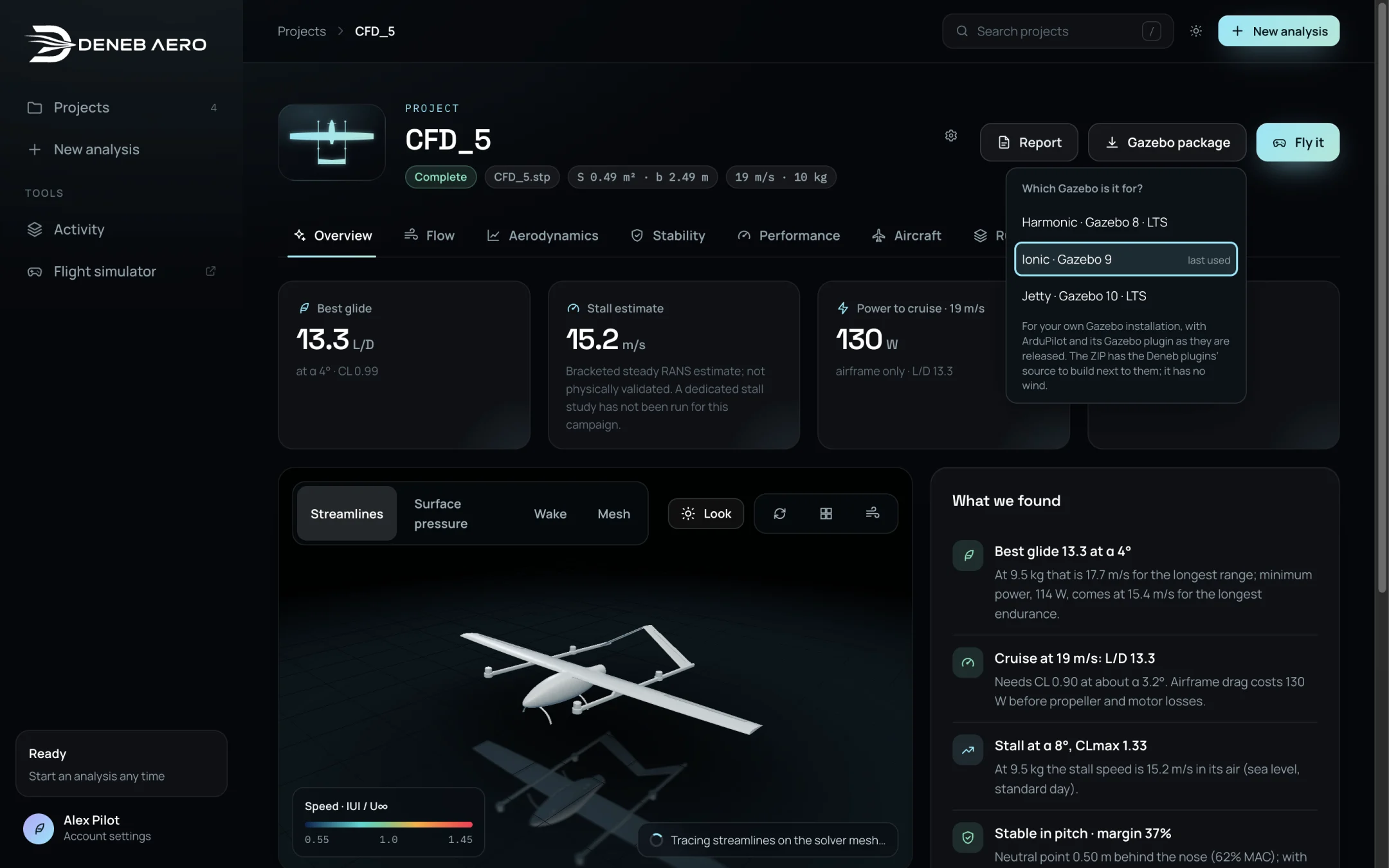
Choosing the Gazebo version.
Downloading
In the project, select Gazebo package (or Gazebo ZIP in the Aircraft tab).
Select the Gazebo release you use: Harmonic · Gazebo 8 · LTS, Ionic · Gazebo 9 or Jetty · Gazebo 10 · LTS. The last one used is marked.
A ZIP file is downloaded.
Contents
Path |
Content |
|---|---|
|
How to build and run the package, the servo outputs and the assumptions to review. |
|
The model: |
|
A world with a runway and the aircraft. |
|
The ArduPilot parameters. |
|
The aerodynamic database and the trim points. |
Plugin sources |
The Deneb plugins (aerodynamics and rotors), to be built next to ArduPilot’s Gazebo plugin. |
The package has no wind.
Running it
Follow README.md in the package. In outline, from the unzipped folder:
export GZ_SIM_RESOURCE_PATH="$PWD/models${GZ_SIM_RESOURCE_PATH:+:$GZ_SIM_RESOURCE_PATH}"
export GZ_SIM_SYSTEM_PLUGIN_PATH="<deneb plugins>:<ardupilot_gazebo build>"
gz sim -s -r worlds/<world>.sdf
and in a second terminal:
arduplane --model JSON --defaults ardupilot/deneb.parm --home <lat>,<lon>,<alt>,<heading> -I0
Use arducopter for a multirotor. Connect a ground station to tcp:127.0.0.1:5760.
Note
Aerodynamic states outside the CFD data are extrapolated, and flagged on the model’s
aero/state topic. The package is a simulation model, not a qualified flight model.