Engineering Report
The report collects every figure of the analysis with the method and its limits. Open it with Report in the project header, or Open on the Engineering report card.
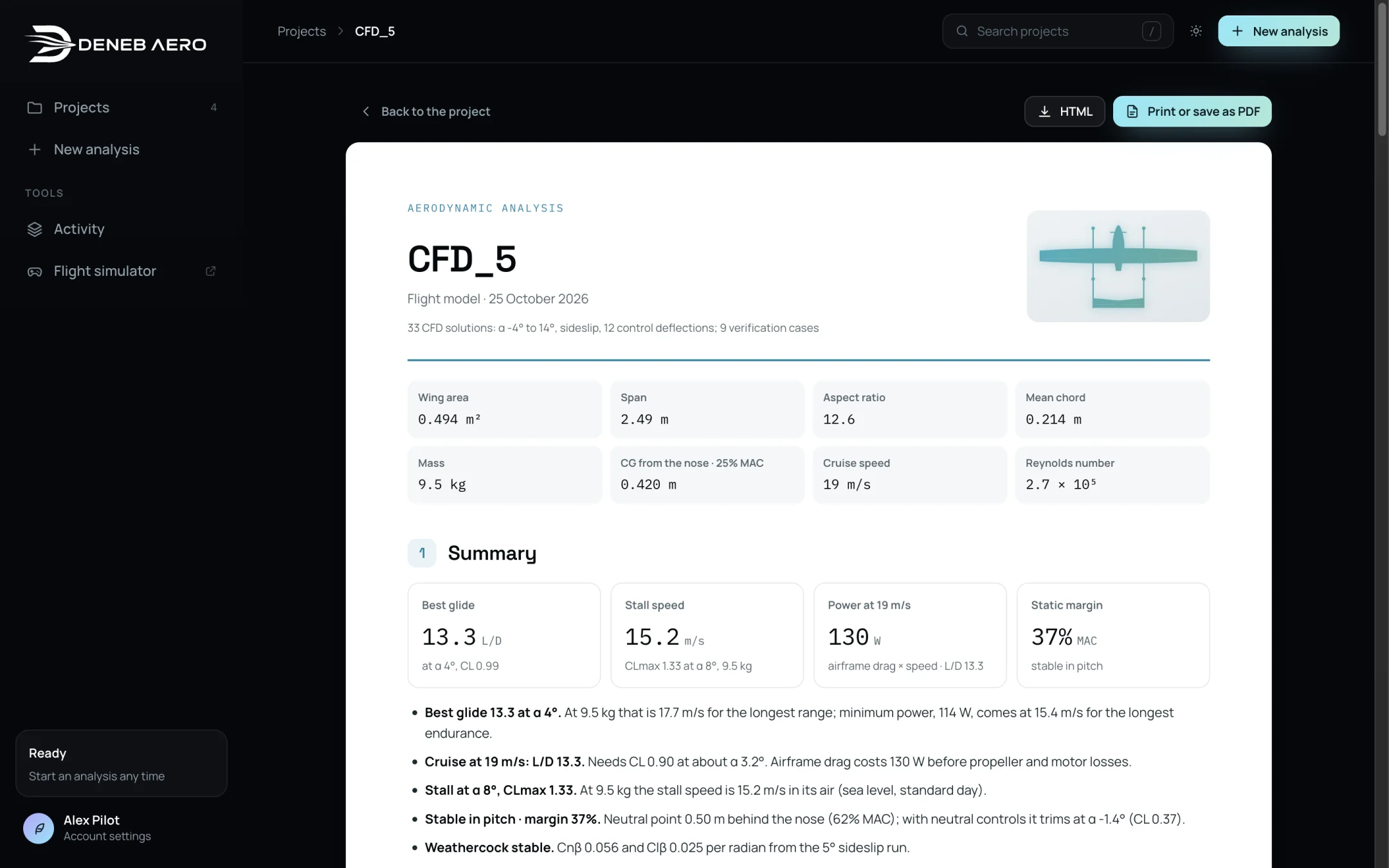
The first page of the report.
Contents
No. |
Section |
Content |
|---|---|---|
— |
Title block |
Project, package, date, number of solutions, and the reference values, mass, CG, cruise speed and Reynolds number. |
1 |
Summary |
Best glide, stall speed, power at cruise, static margin and the findings. |
2 |
The aircraft and the method |
The CAD model, the solver, turbulence model, mesh sizes and boundary-layer resolution, the air and how loads are averaged. |
3 |
The flow around the aircraft |
Pictures of the flow from a kept run. |
4 |
Aerodynamics |
Lift curve, drag polar, L/D and pitching moment, with a table. |
5 |
Stability and control |
Static margin, neutral point, pitch trim, sideslip derivatives, control effectiveness and hinge moments with a servo check. |
6 |
Performance |
Speeds, power and efficiency against speed. |
7 |
Verification |
The checks that repeat a solution with one setting changed, and what changed. |
A |
Computations |
Every run with its model, cell count, iterations, wall time and solution type. |
Hinge moments and servos
For a flight model, section 5 lists each surface’s moment about its hinge per degree of deflection and at full travel at the autopilot’s top speed, beside the servo torque set in , with a reading such as Enough or Holds it, under the 2× margin. Use it to choose servos.