Renaming and Deleting Projects
Project settings are opened with the gear icon Project settings in the project header.
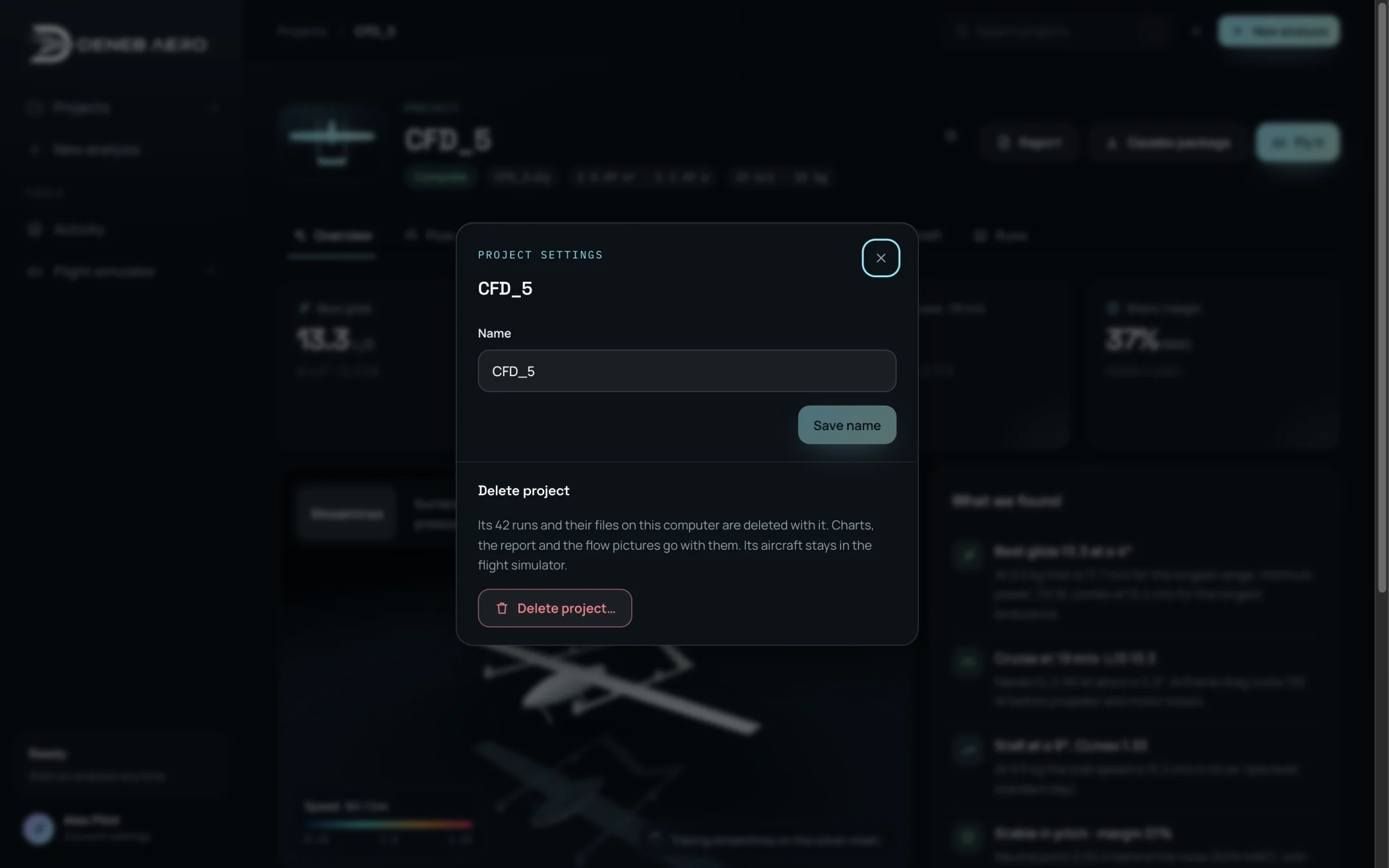
Project settings.
Renaming a project
Open Project settings.
Type the new name in Name.
Select Save name.
Deleting a project
Open Project settings.
Select Delete project….
Read the message: the project’s runs and their files on this computer are deleted with it, as are its charts, report and flow pictures. The project and its CAD leave your account.
Select Delete project to confirm, or Keep it.
If the simulation service is not running, the project is removed from the account but the files of its runs stay on the computer.
Warning
Deleting a project cannot be undone.