Appearance
The Appearance step sets the colour of each CAD part in the flight simulator and in the Gazebo package. Colours do not affect the simulation.
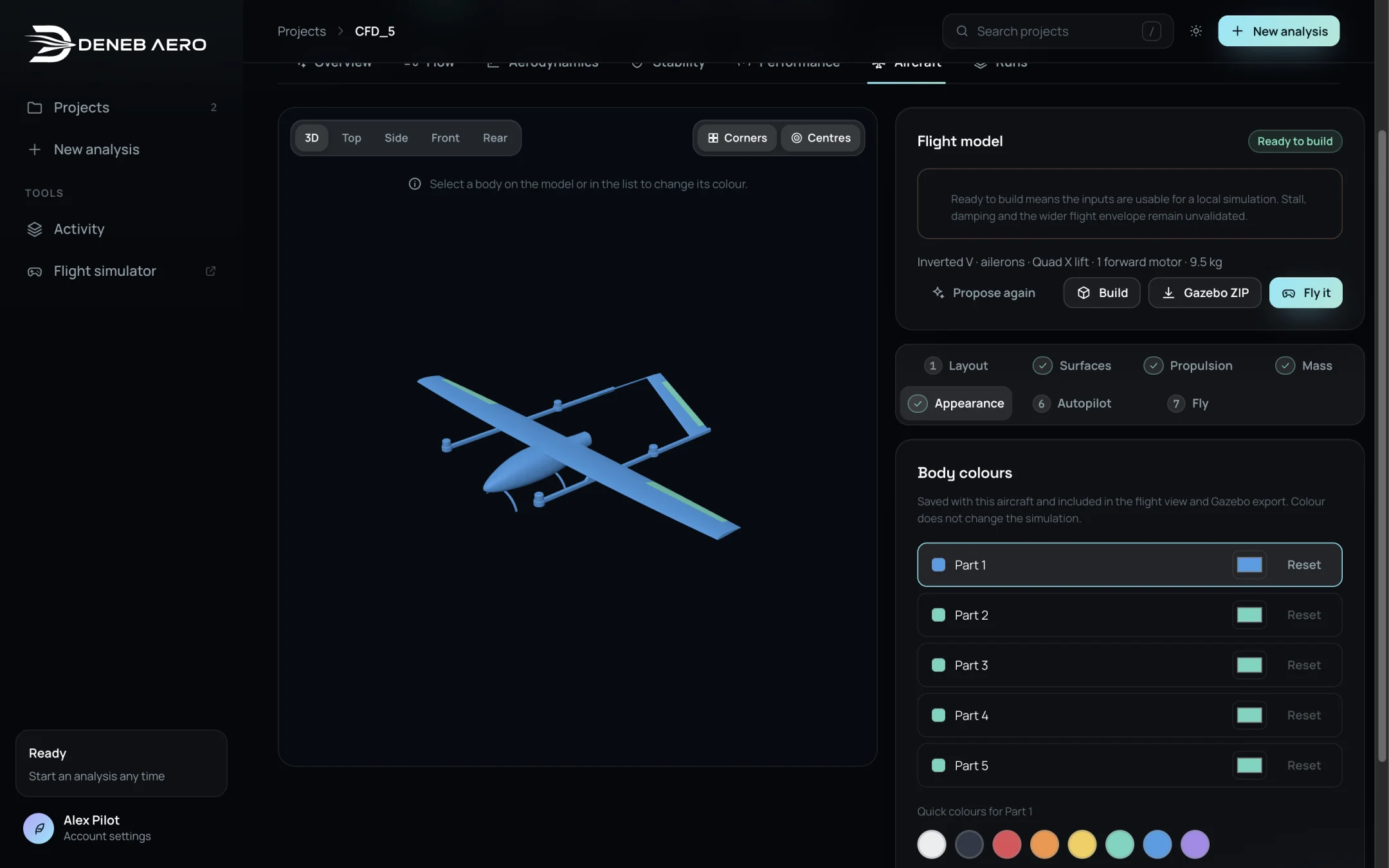
The Appearance step.
Select a part in the list or click it on the model.
Select a colour: pearl, graphite, red, orange, yellow, green, blue or violet.
Apply colour to all paints every part; Reset and Reset all colours return to the CAD colours.