Autopilot
The Autopilot step shows the ArduPilot parameters of the flight model and tunes them in the simulator.
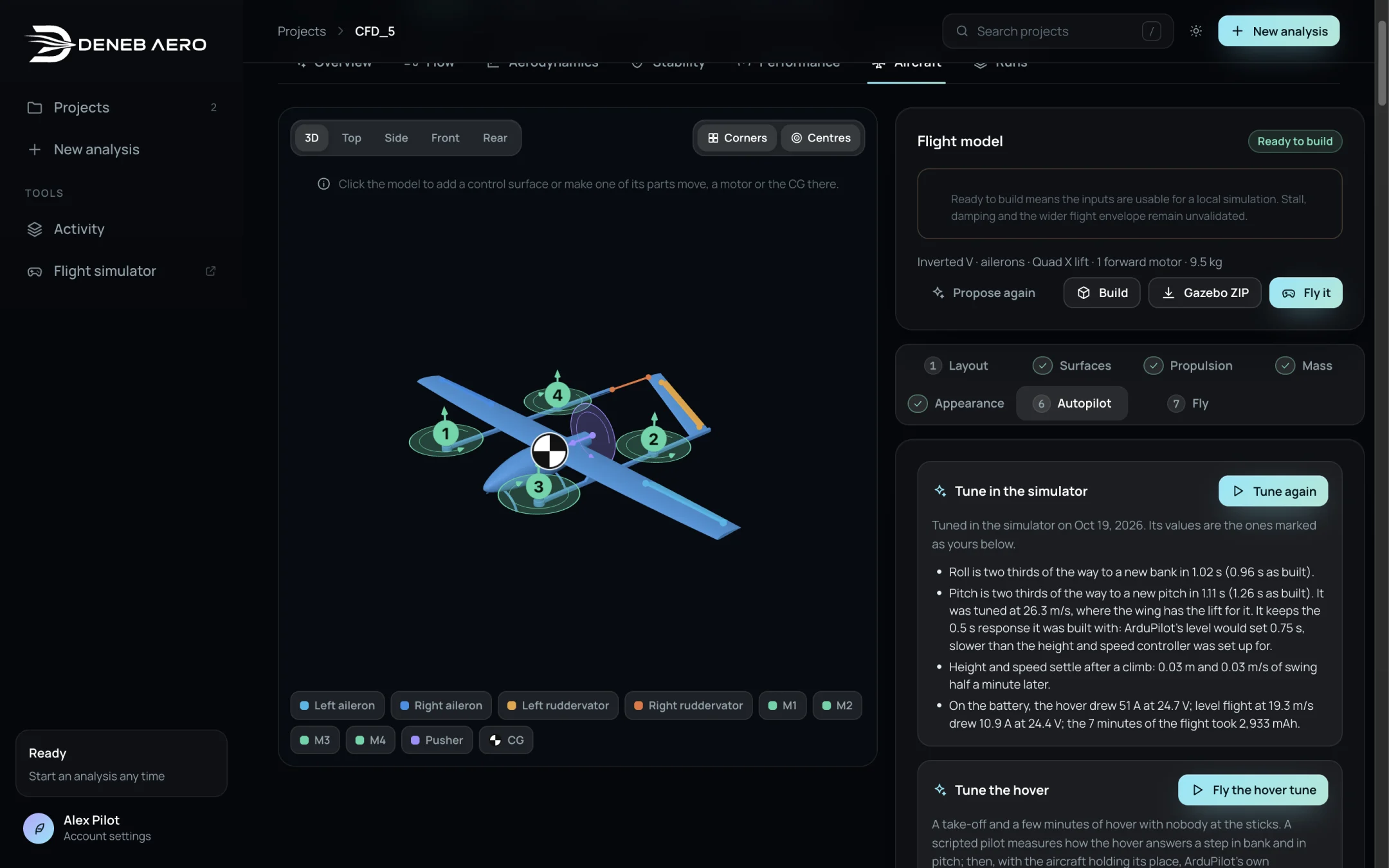
The Autopilot step with the results of a tuning flight.
Tuning in the simulator
Tune in the simulator flies the aircraft for a few minutes with nobody at the sticks. See Tuning in the Simulator for what the flight does. When it has flown, the card summarises what changed, for example how quickly the aircraft reaches a new bank, and the values are marked as yours. Tune again repeats it.
For a VTOL aircraft, Fly the hover tune tunes the hover with ArduPilot’s QuickTune.
Parameters
Every setting that the flight model gives ArduPilot is listed with what it does and where its value comes from. The list is grouped into Speeds and limits, Roll and pitch, Height and speed, Hover and transition, Outputs, radio and sensors and Added by you. Use All and Yours to filter, and Search the settings to find one.
To change a value, type over it. To add a parameter that the flight model does not set, add it by name. Your values are used in the next build, flight and Gazebo package. Back to the generated settings removes your values.
Warning
The generated gains are starting estimates from the control authority, the inertia and the estimated damping. Verify and tune them on each real aircraft.