Building the Flight Model
The Fly step builds the flight model and offers the ways to fly it.
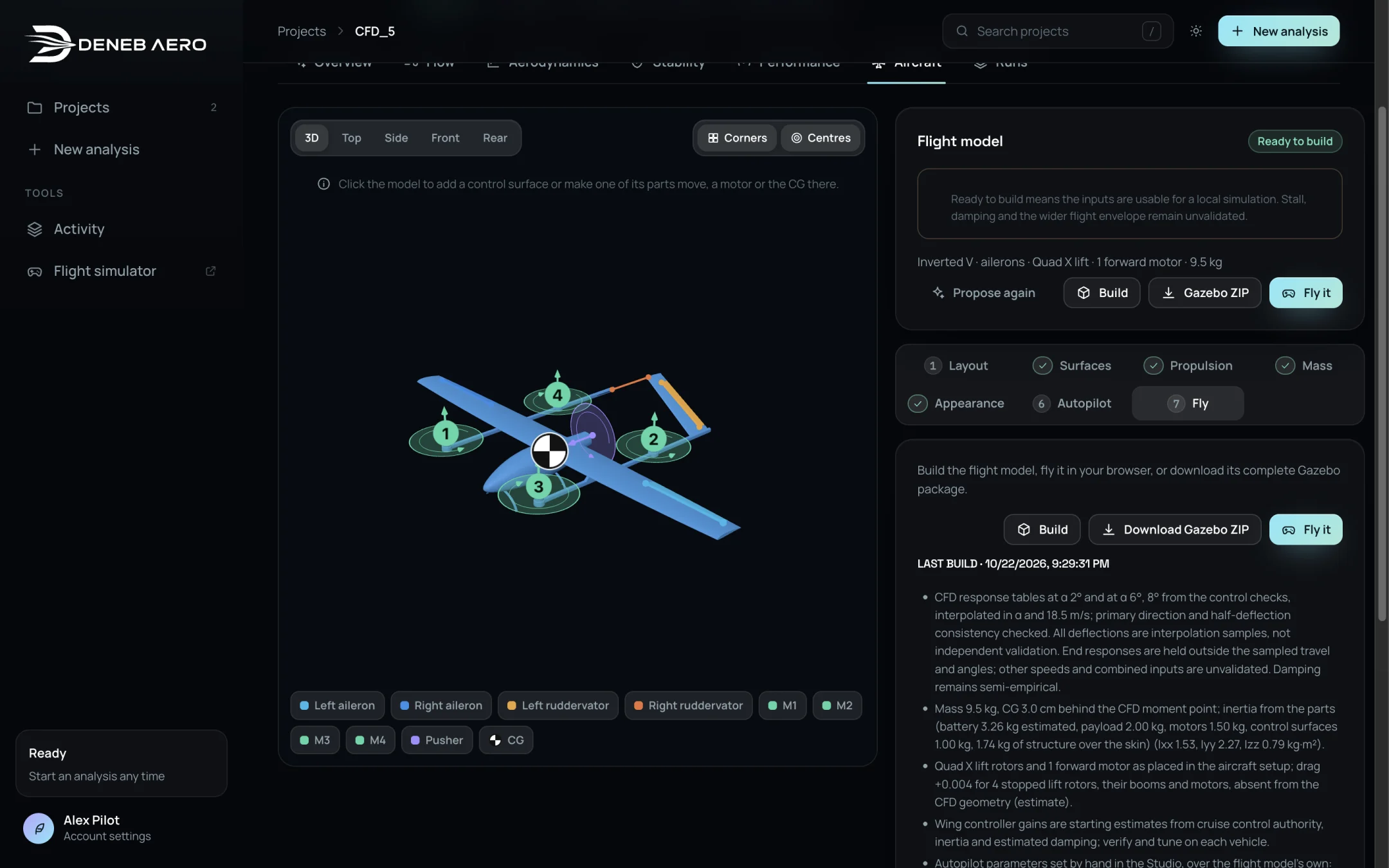
The Fly step with the description of the last build.
The last build
Under Last build, the date and a list of what the model contains and assumes, for example:
which CFD tables are used (the control response at α 2° and higher angles), and how they are interpolated,
the mass, CG and inertia,
the drag added for parts not in the CFD geometry, such as stopped lift rotors,
where the controller gains come from,
the autopilot parameters you set by hand,
the motor and battery model, the hover and cruise throttle and current.
Read this list before you trust a flight. Responses outside the sampled angles and deflections are held at their end values, and other speeds and combined inputs are not validated. The flight simulator lists the same items as assumptions to review.