Account
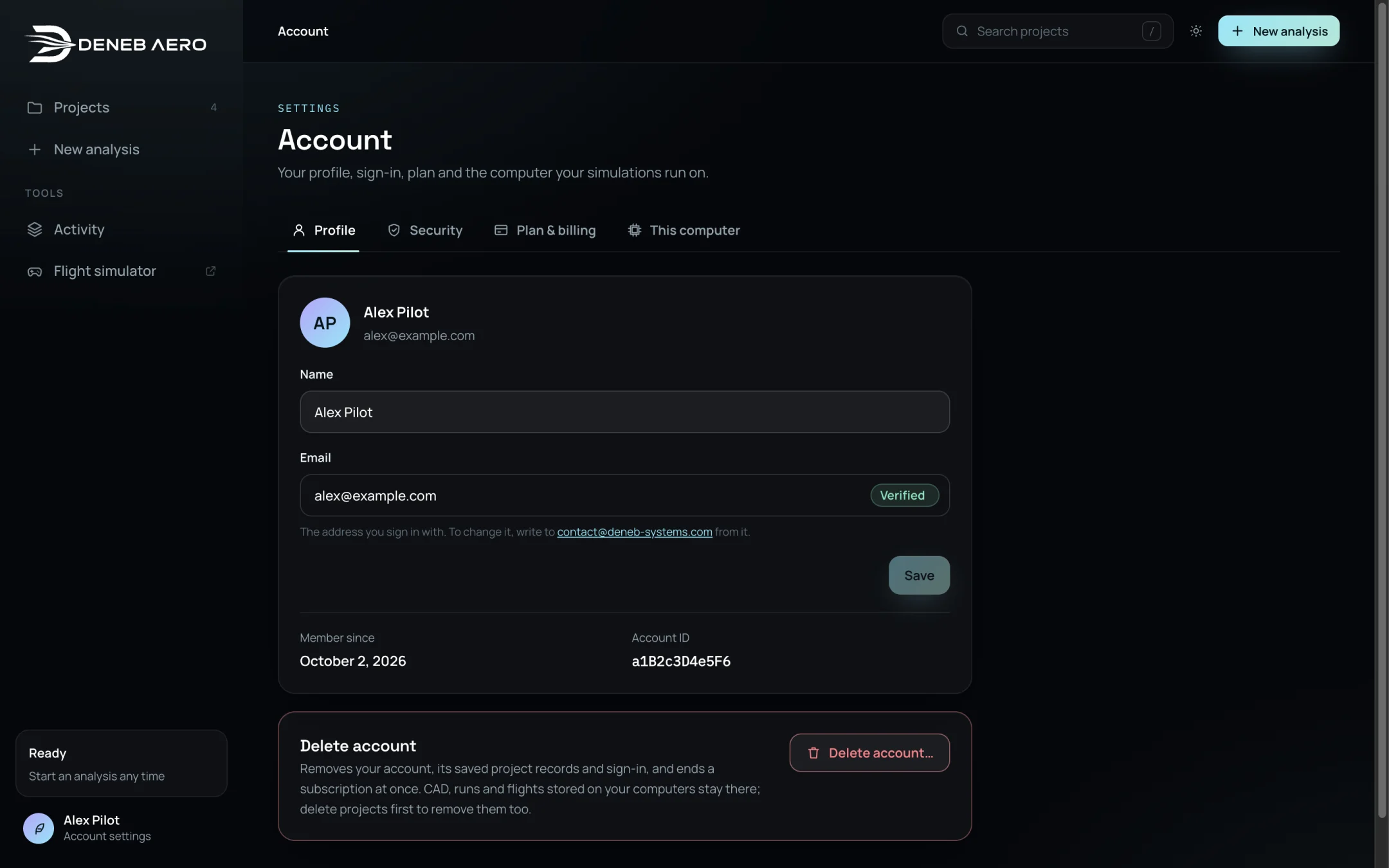
The Account page holds your profile, sign-in, plan and the computer your simulations run on. Open it by selecting your name at the bottom of the sidebar.
.
Profile
Name — change it and select Save.
Email — the address you sign in with. To change it, write to contact@deneb-systems.com from that address.
Member since and Account ID — quote the account ID when you contact support.
Security
Shows how you sign in and Where you are signed in: each browser session with its address, sign-in date and last activity. Sign out ends one session, Sign out the others all but this one. See Signing In.
Plan & billing
.
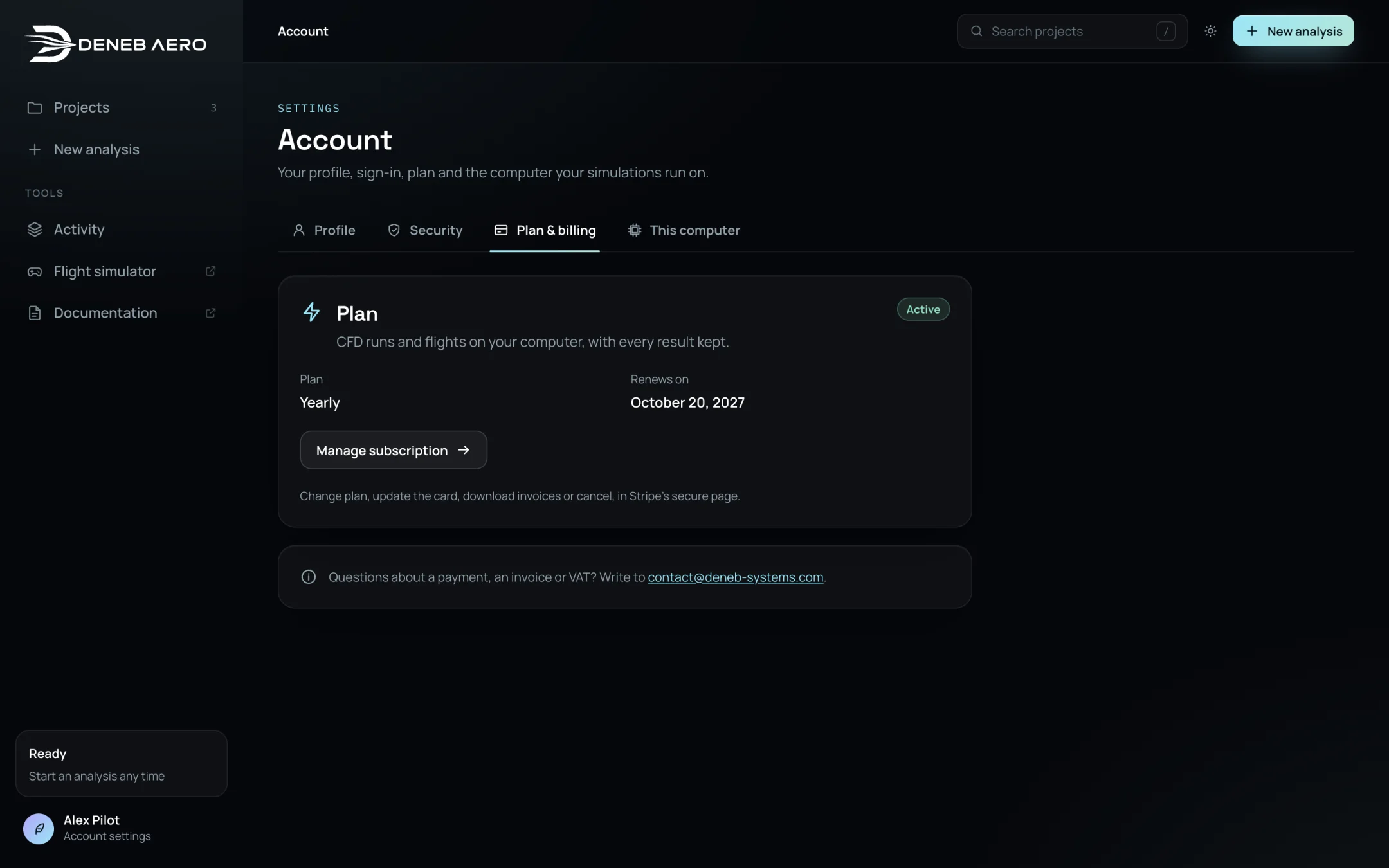
During the beta, Deneb Aero is free until the date shown. After the beta, new runs and flights need a plan; your projects and results stay readable without one. Plans are monthly or yearly.
To subscribe, select Choose monthly or Choose yearly. Payment is by Stripe. Prices are before VAT; VAT is added at checkout where it applies, and a business VAT number can be given there.
With a plan, Manage subscription opens Stripe’s page, where you can change the plan, update the card, download invoices or cancel.
If a payment fails, the tab shows Payment due. Runs keep working while the payment is retried; update the card to keep them going.
This computer
Shows the simulation service of the computer the Studio is connected to: its state, version, solver, the cores and memory used for a run, and the free disk space. See Connecting This Computer.
Deleting your account
Open .
Under Delete account, select Delete account… and confirm.
This removes your account, its saved project records and sign-in, and ends a subscription at once. CAD, runs and flights stored on your computers stay there; delete the projects first to remove them too.