Activity
The Activity page lists every run across your projects: what is solving now, what is waiting and what has finished. Open it with Activity in the sidebar.
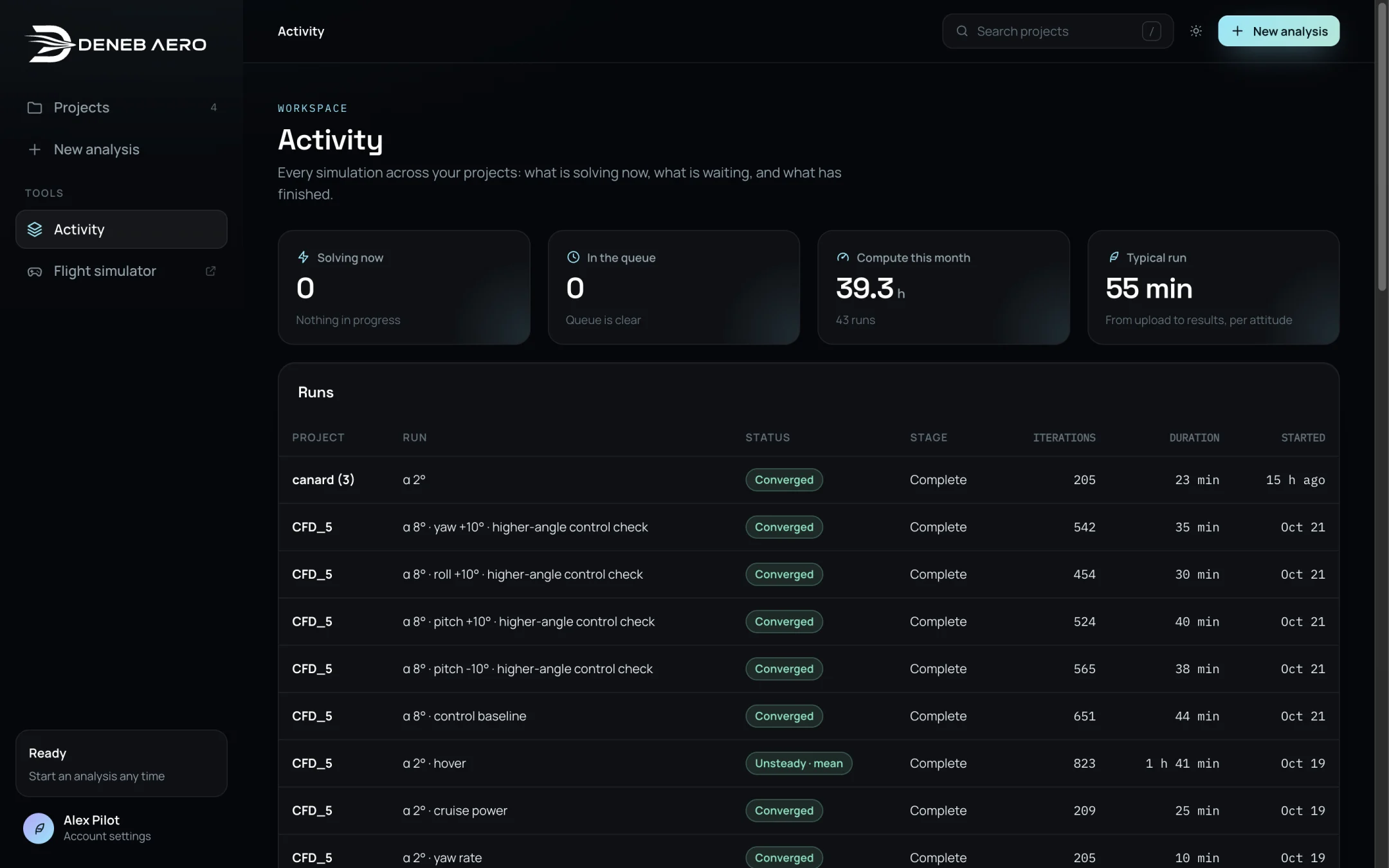
The Activity page.
Cards
- Solving now
The number of runs solving.
- In the queue
The number of runs waiting.
- Compute this month
The solver time this month and the number of runs.
- Typical run
The typical time from upload to results, per attitude, on this computer.
Runs
The table lists each run with its project, run name, status (solution type), stage, iterations, duration and start time, newest first. To stop or resume runs, open the project’s Runs tab (Runs and the Queue).