Overview Tab
The Overview tab summarises the analysis.
Key numbers
The four cards at the top show:
- Best glide
The highest lift-to-drag ratio of the polar, with its angle of attack and lift coefficient.
- Stall estimate
The stall speed at the project’s mass, from the highest lift coefficient. When the lift peak is bracketed by solved angles, the card says that this is a steady RANS estimate that is not physically validated, and whether a dedicated stall study has been run.
- Power to cruise
The power to overcome the airframe’s drag at the cruise speed (drag × speed), without propeller and motor losses.
- Static margin
The distance between the neutral point and the CG, in percent of the mean chord. A positive margin means the aircraft is stable in pitch.
Flow view
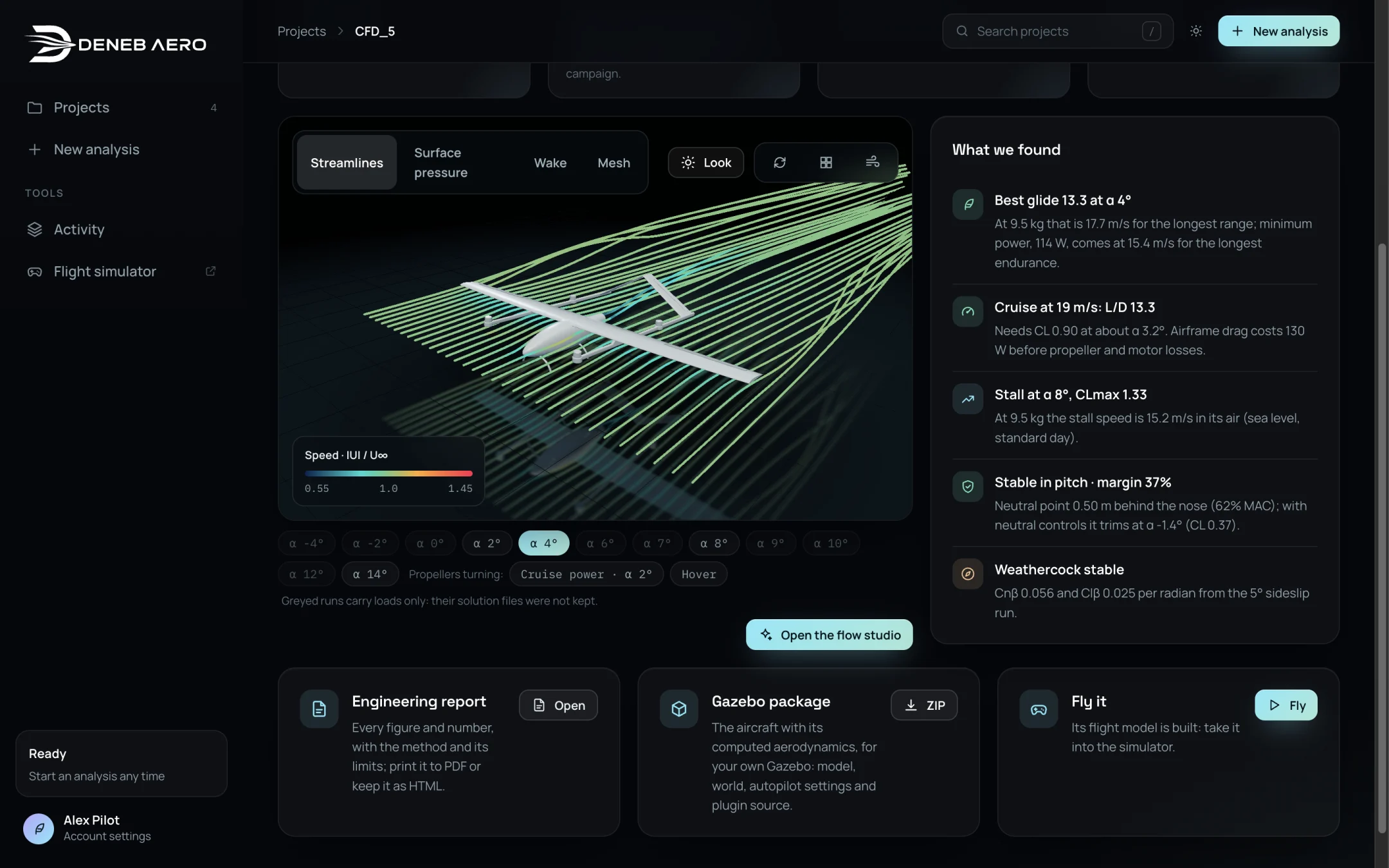
The flow view of the Overview tab and the list What we found.
The view shows the aircraft in the flow of the selected run. Select the picture with the buttons above it:
Streamlines — lines of the flow, coloured by speed.
Surface pressure — the pressure coefficient on the aircraft.
Wake — the flow behind the aircraft.
Mesh — the surface mesh of the run.
Look changes the lighting. The three icon buttons select the orbit, top and wake views.
Below the view, a chip for each run selects which run is shown. Greyed chips are runs that carry loads only: their flow solution was not kept. The chips under Propellers turning show the runs with the propellers turning. Select Open the flow studio for the full set of flow views (Flow Tab).
What we found
A short list of findings in plain language, for example:
Best glide 13.3 at α 4° — with the speeds for the longest range and the longest endurance.
Cruise at 19 m/s: L/D 13.3 — with the lift coefficient and angle needed.
Stall at α 8°, CLmax 1.33 — with the stall speed at the project’s mass.
Stable in pitch · margin 37% — with the neutral point and the trim.
Weathercock stable — with Cnβ and Clβ from the sideslip run.
Actions
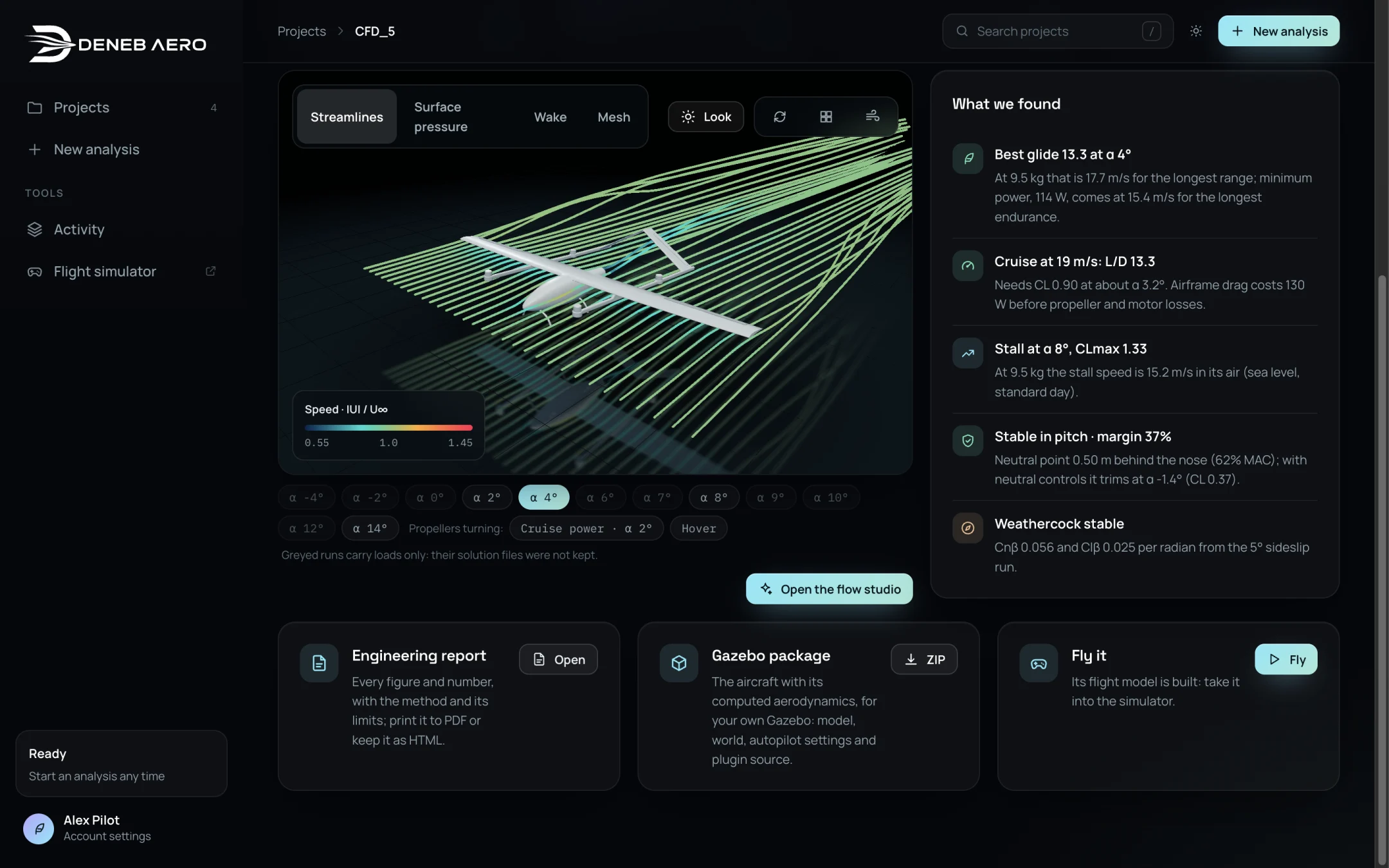
The action cards.
- Engineering report
Opens the report. See Engineering Report.
- Gazebo package
Downloads the aircraft for your own Gazebo installation. See Gazebo Package.
- Fly it
Opens the flight simulator with this aircraft. Shown when the flight model is built.