Motors and Propellers
Design has a catalogue of real SunnySky motors: 229 motors in 70 frames, each with its datasheet and the propellers the maker tests it with. A real motor and a real propeller table make the thrust, current, flight time and climb of the aircraft those of the parts you will buy.
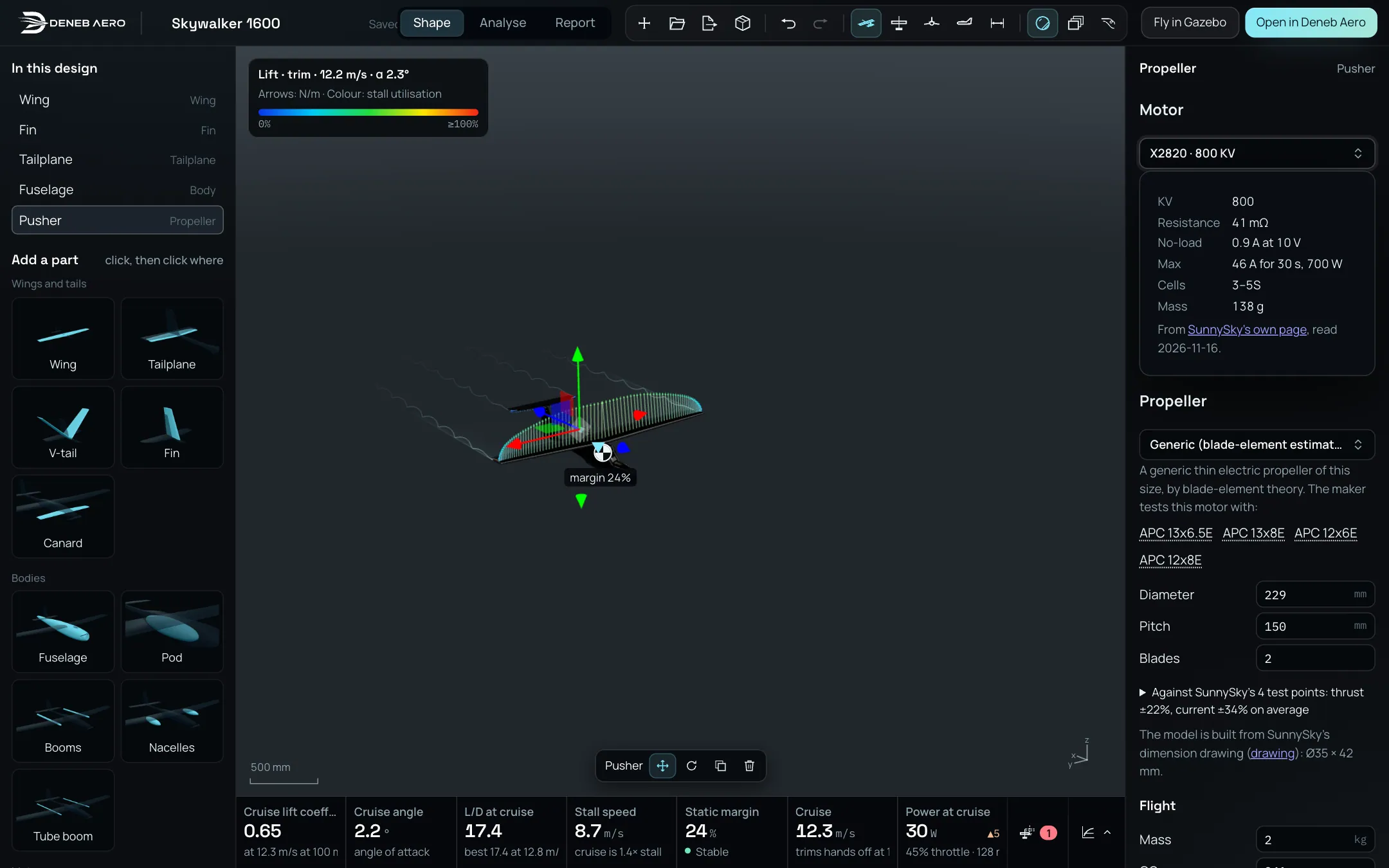
The pusher picked, with a SunnySky X2820 800 KV: its datasheet, the propellers the maker tests it with, and the check against the maker’s tests.
Adding a motor
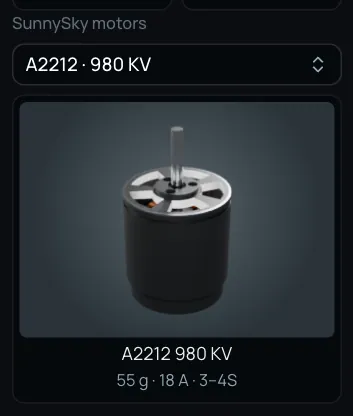
The SunnySky motors block.
In Add a part, find the block SunnySky motors.
In Motor, search by frame, KV or use, for example
X4212Sor380 KV. Each entry shows the frame and the KV; the tile below shows the motor, its mass, its maximum current and its cells.Click the tile, then click a place in the view, or drag the tile onto the view:
onto a propeller or a lift rotor: its motor is replaced, and the propeller stays;
onto a nose or a tail: a tractor or a pusher is added, with the largest propeller the maker tests the motor with.
The rotor panel
Pick a propeller or a lift rotor. The panel on the right shows:
- Motor
The motor of the rotor. Without a catalogue motor it reads Estimated motor (no catalogue part), with the KV, resistance, current and mass Design estimates. Choose a real one to use its datasheet: KV, Resistance, No-load current, Max current and power, Cells and Mass, with a link to SunnySky’s page and the date it was read. Values the maker does not give are listed as estimated.
- Propeller
Generic (blade-element estimate), a thin electric propeller of this size, or a real propeller with its table, measured in a wind tunnel or computed by the maker. Under the generic one, the buttons under The maker tests this motor with pick a propeller in one click. Choosing a real propeller sets its diameter, pitch and blades; changing Diameter, Pitch or Blades goes back to the generic one.
- Check against the maker’s tests
Against SunnySky’s N test points: thrust ±…, current ±… on average. Open it to see each test point: the thrust and current the maker measured, and the model’s. A star marks a generic propeller; ! marks a point past the motor’s current limit.
The motor’s model in the view is drawn from SunnySky’s dimension drawing.
What it changes
With a real motor, the datasheet replaces the estimated motor. With a real propeller, its table replaces the blade-element estimate. Together they change the full-throttle thrust, the throttle, current and power at cruise, the flight time and range, the climb and the hover, in the cards under the view and in Analyse.
Moving and turning a propeller
Pick a propeller or its motor, in the view or in In this design. A handle appears on the hub:
Move (W): drag the arrows to move the propeller with its motor.
Turn (E): drag the rings to turn it about its hub, with its motor. Its thrust turns too.
Delete (Delete or Backspace) removes the propeller and its motor together.
Each drag is one undo step (⌘Z, Ctrl+Z).
Note
A turned propeller counts in Design’s numbers, but the STEP file, the analysis in Deneb Aero and the Gazebo package do not use its turn yet.